
5 Things to Check Before Sharing Your Photos
A quick 5-point checklist to run through before sharing any photo on social media or your website. Avoid common mistakes that hurt engagement and trust.
Introduction
Posting a photo takes a second, but a simple check beforehand can be the difference between a post that performs well and one that gets scrolled past. Most common mistakes—wrong size, blurry image, distracting background—are easy to fix if you catch them before hitting publish. Here are the five things worth checking every time. You can use the tools on the xcropimage.io homepage to crop and resize your images quickly.
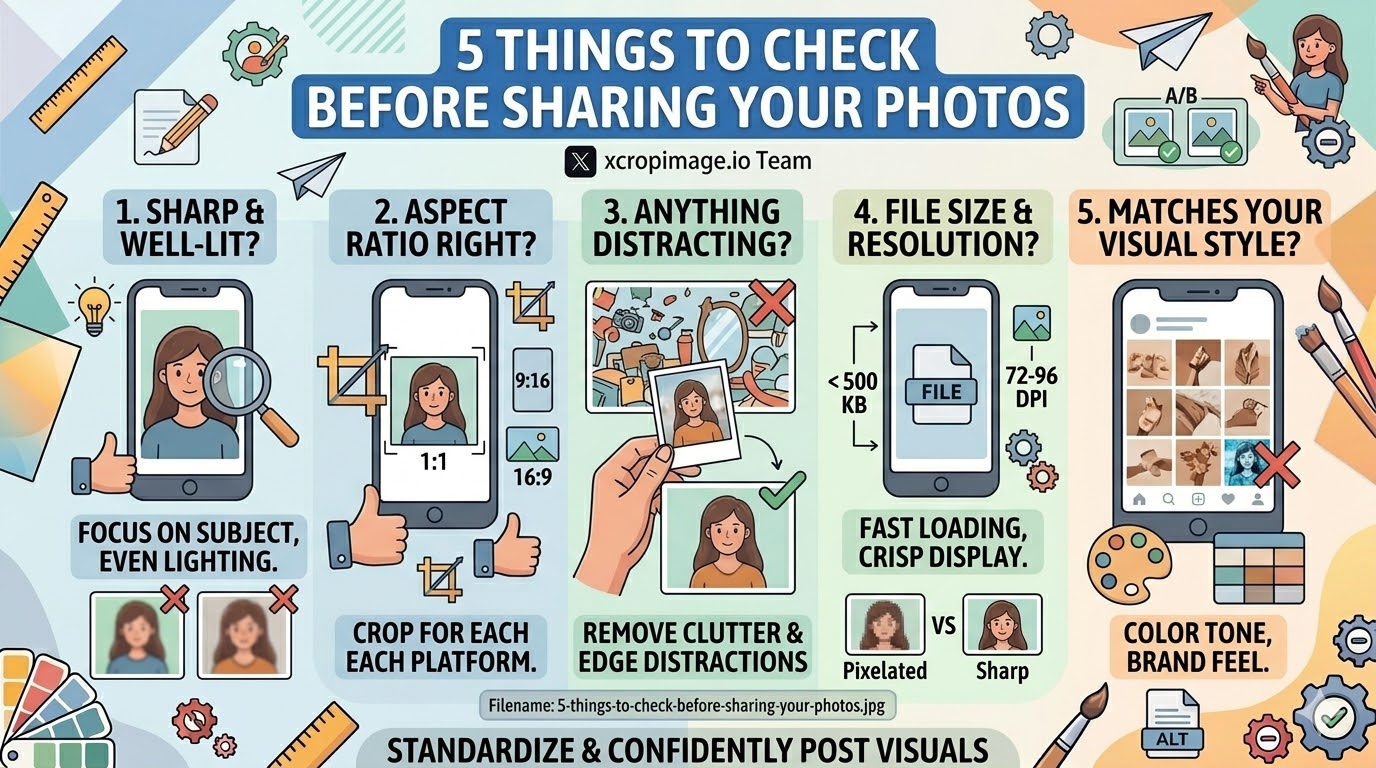
1. Is the Image Sharp and Well-Lit?
Open the photo at full size and look at the main subject. Is it in sharp focus? Does it look grainy or underexposed?
- Blurry images signal low effort and hurt trust, especially for product or professional content.
- Poor lighting washes out colors and hides detail; a slightly brighter, evenly lit shot almost always outperforms a dark one.
- Quick fix: If the image is slightly dark, a small brightness or exposure adjustment before export is usually enough.
If the core image is blurry or very poorly lit, it is better to reshoot than to try to fix it in post.
2. Is the Aspect Ratio Right for the Platform?
Every platform has a preferred aspect ratio, and uploading the wrong one means your image gets cropped automatically—often cutting off the main subject.
- Instagram feed: Square (1:1) or portrait (4:5)
- Instagram / Facebook Stories: Vertical (9:16)
- Twitter/X, LinkedIn: Landscape (1.91:1 or 16:9)
- Blog and Open Graph: Approximately 1200 × 630 px (1.91:1)
Use the crop tool to reframe the image for the specific platform before posting. Two minutes spent cropping correctly is worth it.
3. Is There Anything Distracting in the Frame?
Look at the edges and background of the image.

- Clutter in the background: Stray objects, messy surfaces, or unrelated items pull the viewer's eye away from the subject.
- Edge distractions: Partial objects or random cuts at the edges look accidental and unpolished.
- Unwanted people or reflections: These are easy to miss when shooting but stand out once you study the full image.
A tighter crop often solves this instantly; use the crop tool to remove distracting areas.
4. Is the File Size and Resolution Appropriate?
Too large and the image loads slowly (hurting user experience and SEO); too small and it looks pixelated on high-resolution screens.
- Web/social media: 72–96 DPI is sufficient; aim for a file size under 500 KB for web use where possible.
- Pixel dimensions: Match the platform's recommended dimensions exactly using the resizer so the platform does not compress it further.
- Format: JPEG for photos, PNG for graphics with transparency, WebP where supported for best compression.
The resizer on xcropimage.io lets you set exact dimensions and keeps the output file clean.
5. Does It Match Your Visual Style?
Before posting, ask: does this image look like it belongs with the rest of my content?
- Color tone: If your feed uses warm, desaturated tones and this image is cool and vivid, it will stand out—not in a good way.
- Consistent framing: If all your product shots are square with the same padding, a different crop breaks the pattern.
- Brand feel: Even a quick gut-check—"does this look like us?"—catches mismatches before they go live.
Consistency across posts builds a recognizable identity that earns followers and trust over time.
Conclusion
A quick five-point check—sharpness, aspect ratio, distractions, file size, and visual consistency—takes less than two minutes and significantly reduces mistakes. Use the crop and resize tools on xcropimage.io to fix the most common issues fast and post with confidence every time.