
E-commerce Product Gallery Images: Main Photo + Supporting Photos Plan
How to plan your e-commerce product gallery (main image + secondary images) so customers understand the product fast and trust your store.
Introduction
On an online product page, the gallery is more than decoration: it is how customers “inspect” your product. When the main image and supporting shots are inconsistent (different crops, sizes, or unclear angles), buyers hesitate and bounce.
This guide gives you a practical, step-by-step checklist to plan an effective product gallery. You can use the tools on the xcropimage.io homepage to crop and resize your images for a consistent look.
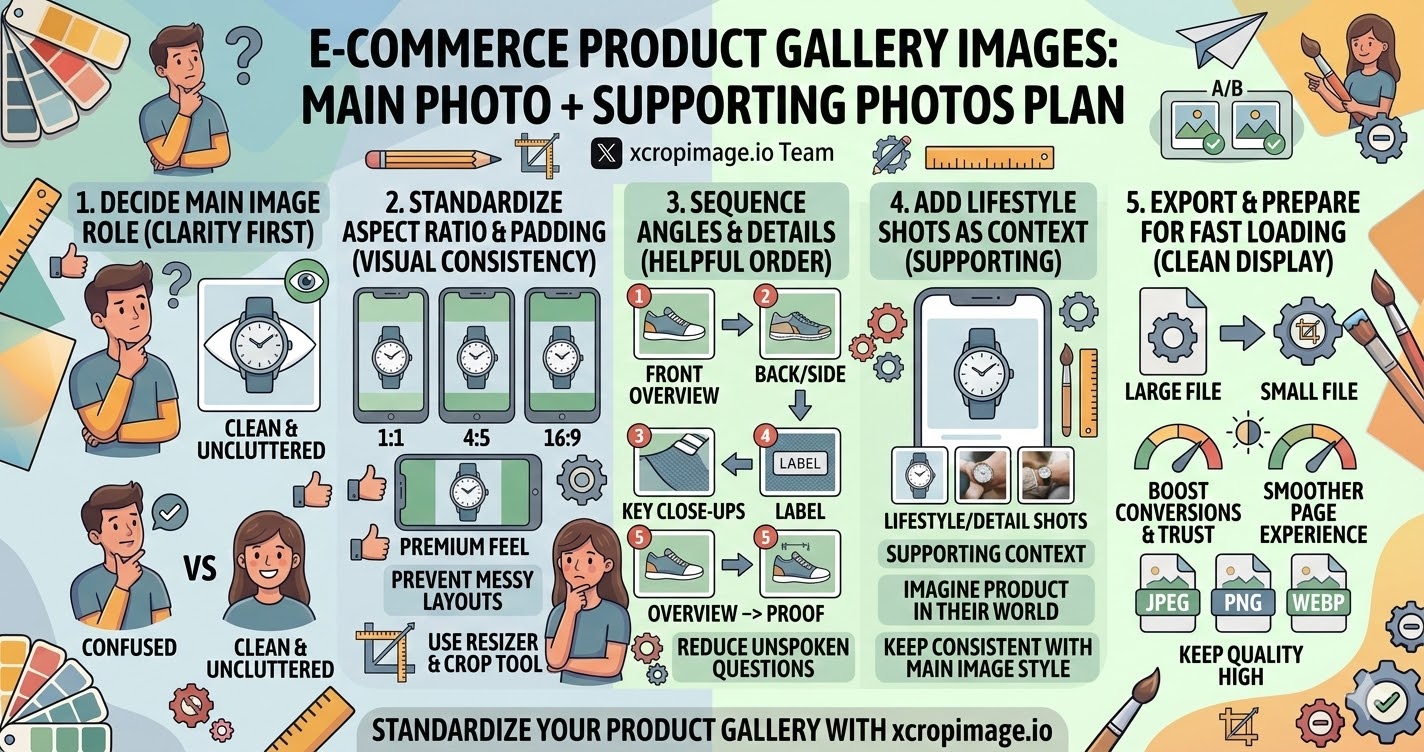
1. Decide your main image role (clarity first)
Your main image should be the clearest “answer” to the customer’s first question: what is this product and what does it look like?
Use a clean, uncluttered composition. Keep the product centered and fully visible, then use the crop tool to remove distracting edges.
2. Standardize aspect ratio and padding across every gallery shot
Consistency makes your page feel premium. If one photo is tightly cropped and the next has extra padding, the gallery looks messy.
Pick an aspect ratio (or keep a consistent padding approach) and apply the same framing style to all images using resizer.
3. Sequence angles and details in the most helpful order
Use a simple logic: start with “overview,” then move into “proof.”
For example: front view → back/side view → key close-ups (texture, hardware, stitching, label) → size/fit reference (only if relevant). This order reduces unspoken questions.
4. Add lifestyle or use-case shots only as supporting context
Secondary lifestyle shots help customers imagine the product in their own world. But they should not confuse the core product appearance.
Keep lifestyle shots visually consistent with your main image style (lighting, color tone, and framing tightness), so the customer stays oriented.
5. Export and prepare for fast loading and clean display
Even a perfect gallery will hurt conversion if images load slowly or look blurry.
Resize your images to appropriate display dimensions with resizer before uploading. This keeps quality high while supporting a smoother page experience.
Conclusion
A strong product gallery is planned, not random: a clear main image, standardized crops/padding, helpful angle order, consistent supporting visuals, and correct exports. Use the crop and resize tools on xcropimage.io to prepare your gallery images quickly and keep your storefront looking trustworthy and professional.