
Email newsletter hero images: file size, width, and above-the-fold layout
How to size and compress newsletter hero images, plan width, and keep the fold readable when images lag.
Introduction
The hero image sets the tone in email campaigns, but heavy files delay rendering and break layouts when text loads first. Many clients block images by default—so the headline and CTA must work without the picture. This guide covers file weight, typical widths, fold structure, and how web reuse differs from inbox HTML.
Earlier in this series: WebP vs AVIF for production. For compression mindset, see small file, big impact.
File size and format
- Many clients limit modern CSS; you often ship a single optimized raster URL (JPG/PNG/GIF).
- For
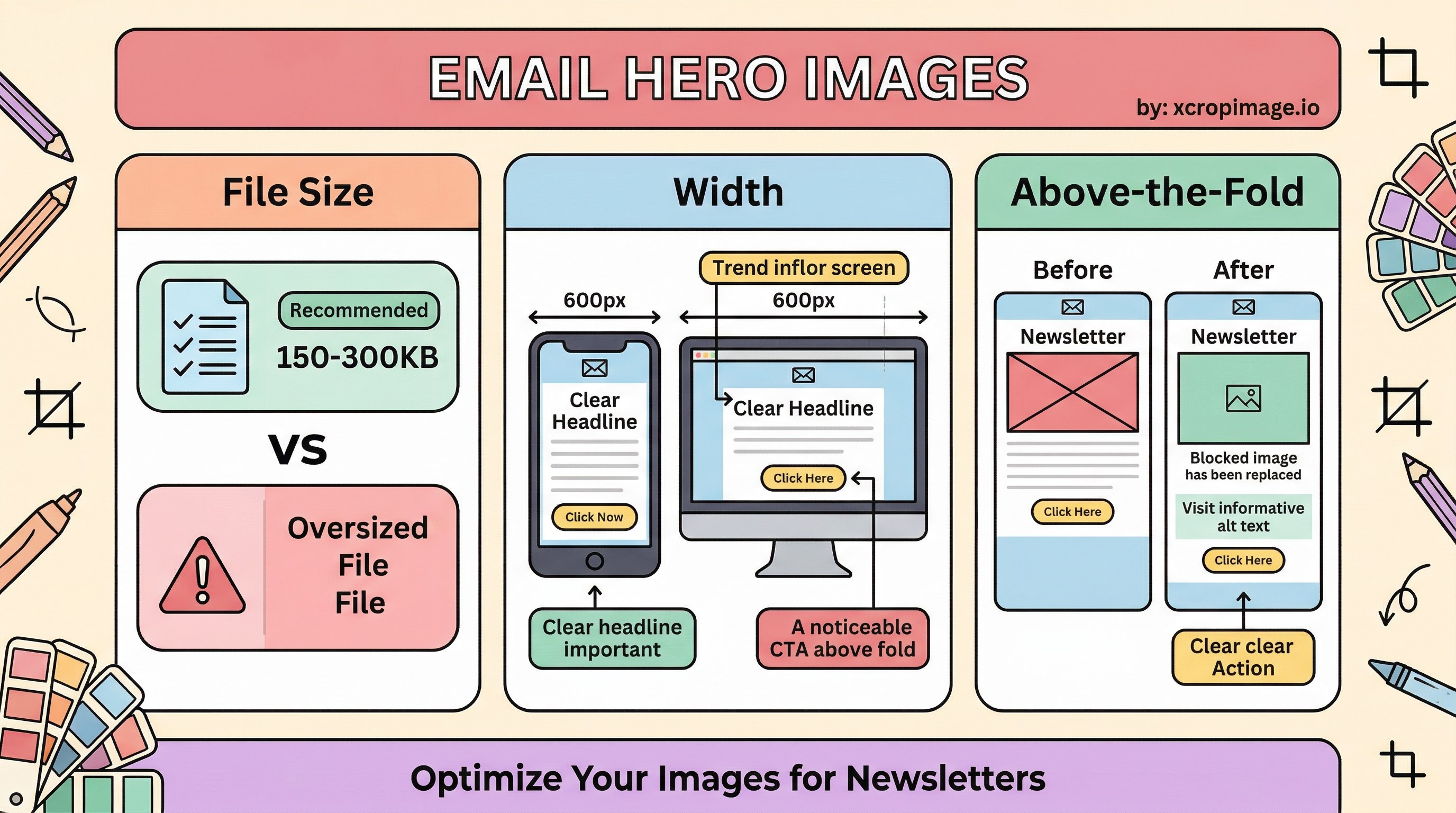
600–800 px wide heroes, **150–300 KB** is a common target; most opens are mobile on variable networks. - Design @2x sources in your design system, but email frequently ships one URL—avoid oversized dimensions that clients downscale badly.
Follow Litmus and similar resources for client-specific quirks. Legal context: FTC CAN-SPAM compliance covers sender identity and honest subjects—visuals do not replace compliant copy.
Width and the fold
- ~600 px design width is a frequent baseline; hero can be full-bleed or centered.
- Pair the image with a clear headline + single CTA so the message works if images are blocked.
- Always set alt text for accessibility and image-off previews—some clients show alt prominently.

When images fail
Plan a text-first variant: email without images explains how brands stay on-message when images are off.
SEO and landing pages
Email HTML is not indexed like a web page, but landing page images and consistency affect SEO. If you reuse the hero on the web, align with blog cover image tips and WebP/AVIF for the site copy.
Turkish parallel
E-posta bülteni hero görseli aynı konuyu Türkçe işler.
Conclusion
Keep heroes light, on-width, and message-first. Use our crop and resize tools for newsletter dimensions, and convert for web variants.