
How to Improve Image Quality for More Likes
Practical tips to improve your image quality on social media and get more likes. Resolution, framing, consistency, and simple editing.
Introduction
Higher-quality images tend to get more engagement: more likes, saves, and shares. Blurry, poorly framed, or inconsistent visuals are easy to scroll past. This post covers simple, practical ways to improve your image quality so your posts stand out and attract more likes. You can use the tools on the xcropimage.io homepage to crop and resize your images.
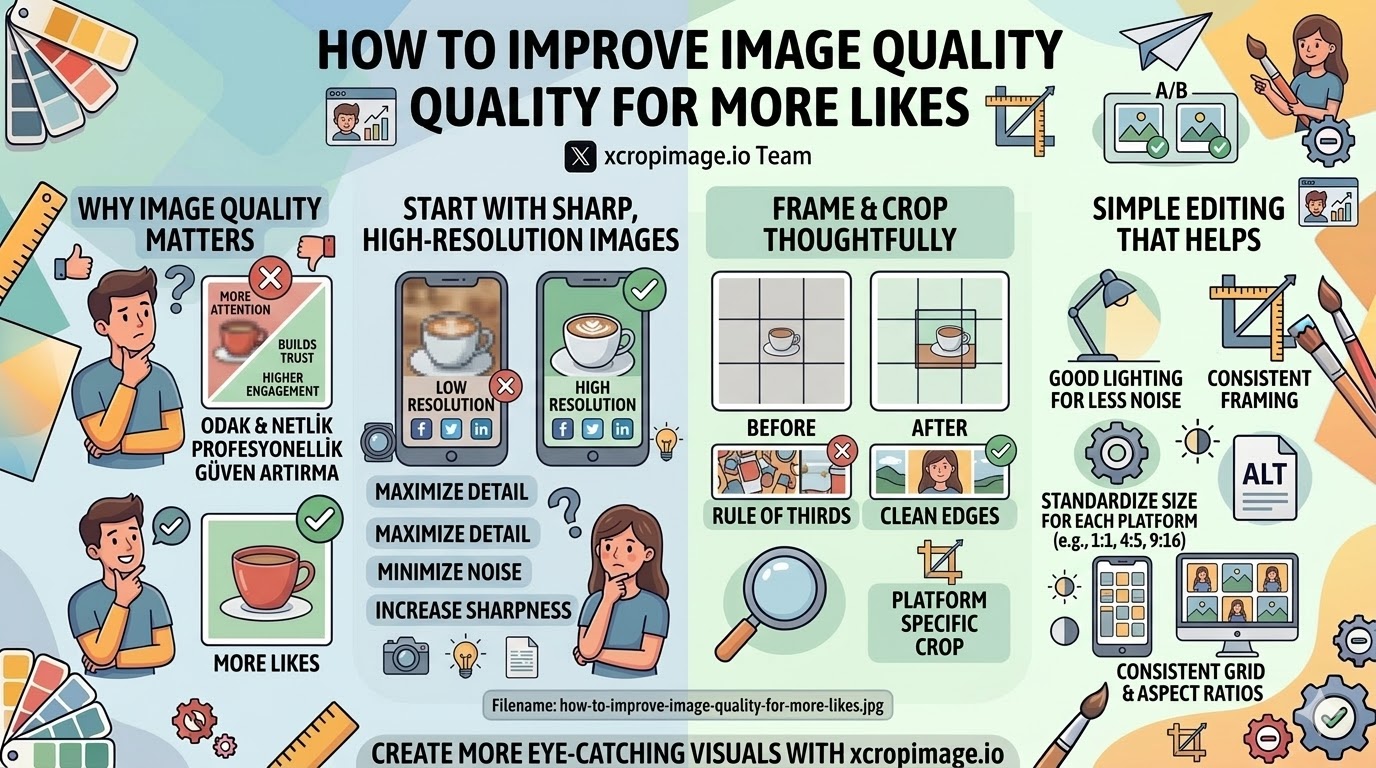
Start with Sharp, High-Resolution Images
- Resolution: Use the highest resolution your device allows. Blurry or pixelated images look unprofessional and get less engagement.
- Lighting: Good light reduces noise and makes colors pop; avoid dark, grainy shots when possible.
- Stability: Use a tripod or steady surface for stills to avoid motion blur.
Sharp, well-lit photos are the foundation; editing can enhance them but cannot fix a fundamentally weak image.
Frame and Crop Thoughtfully
- Composition: Place the main subject off-center (rule of thirds) or use clear leading lines so the eye knows where to look.
- Aspect ratio: Match the platform—square (1:1) for feeds, 4:5 or 9:16 for stories and reels. The crop tool helps you get the right frame.
- Clean edges: Remove distracting elements at the edges; a tight, intentional crop often performs better than a busy full frame.
Consistent framing and aspect ratios make your feed look cohesive and more professional.
Keep a Consistent Visual Style
- Colors and tone: Similar color grading or filters across posts create a recognizable look and strengthen your brand.
- Backgrounds: Simple, uncluttered backgrounds keep focus on the subject and feel more polished.
- Format: Stick to one or two aspect ratios so your grid looks orderly; the resizer helps standardize dimensions.
Consistency builds recognition and trust, which supports likes and follows.
Simple Editing That Helps
- Brightness and contrast: Slight adjustments can make an image feel clearer and more inviting without looking over-edited.
- Crop before posting: Use the crop tool to reframe for each platform and remove empty or distracting areas.
- Export size: Use appropriate dimensions for each platform so images load quickly and display sharply; the resizer makes it easy.
Small, purposeful edits often matter more than heavy filters.
What to Avoid
- Over-editing: Oversaturated or heavily filtered images can look unnatural and reduce trust.
- Wrong aspect ratio: Stretched or awkward crops get fewer engagements; always match the platform’s recommended size.
- Low resolution: Compressing too much or uploading tiny images hurts quality; keep a balance between file size and sharpness.
Conclusion
Improving image quality for more likes comes down to: sharp, well-lit photos, thoughtful framing and crop, consistent style, and light, purposeful editing. Use the crop and resize tools on xcropimage.io to standardize your visuals and present a cleaner, more engaging feed that encourages more likes and engagement.