
Instagram Reels Preview Images: Choosing the Right Cropping Ratio
A practical checklist for preparing Instagram Reels preview images so your cover stays readable and looks consistent.
Introduction
Instagram Reels previews look small—but they matter. A poor crop ratio can cut off the face, product, or the most important text right when users are deciding whether to watch.
This guide shares five checks for choosing the correct cropping ratio and exporting preview images consistently. Use crop and resizer on xcropimage.io to prepare the exact framing for your cover.
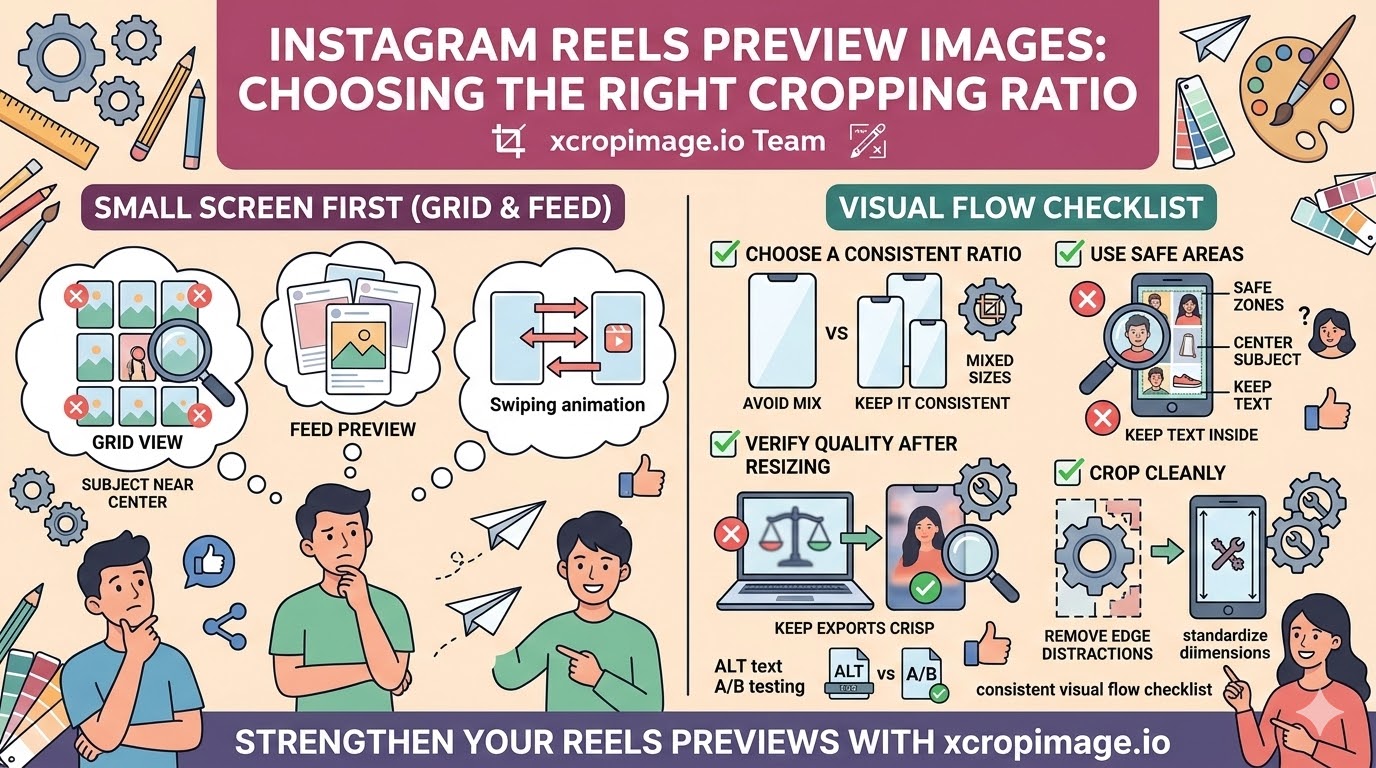
1. Treat the cover as “small screen first”
Reels covers are typically judged in a grid or feed preview. Crop with the assumption that the image will be viewed smaller than you expect.
Keep the main subject near the center and avoid placing key details near the edges.
2. Choose a consistent ratio per content type
If you use multiple crops across reels, your profile feed can look inconsistent.
Pick a ratio you like (often a vertical-safe feel) and keep it consistent across your Reels covers.
3. Use safe areas for faces, products, and text

When adding a face or product, center it slightly—so any automatic cropping never cuts it.
For text, keep it inside a safe zone and avoid thin fonts that become unreadable after resizing.
4. Verify quality after resizing (avoid soft covers)
Some covers look sharp in the editor but blur after export.
Use the resizer to standardize dimensions and keep exports crisp.
5. Crop cleanly and remove edge distractions
Automatic or manual cropping can leave partial objects at the borders.
Always do a final “preview check”: crop out distractions and export the final cover with consistent framing.
Conclusion
Great Reels preview images are built by planning for small-screen viewing: center-safe composition, consistent ratio selection, safe zones for subject/text, sharp resizing, and clean final crops. Use the crop and resize tools on xcropimage.io to prepare covers quickly and keep your profile looking cohesive.