
Mistakes When Choosing Logo and Profile Photo
Common mistakes when choosing a logo and profile photo, and practical tips to avoid them.
Introduction
Your logo and profile photo are the first things people see of your brand or personal image. Poor choices can undermine trust, dilute your message, or make you look unprofessional on every platform. This post covers the most common mistakes when choosing a logo and profile photo, and how to get it right.
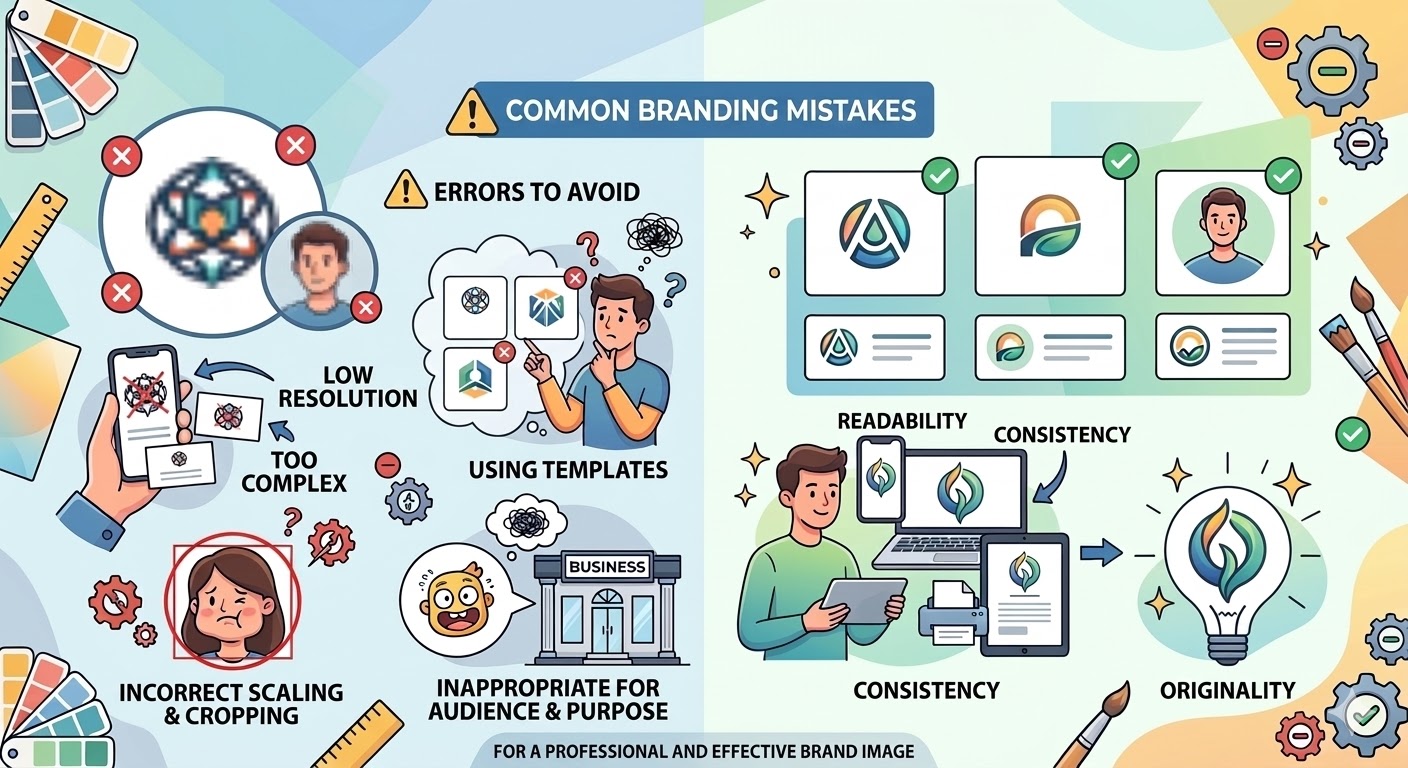
1. Using the Wrong Size and Aspect Ratio
- Problem: Most platforms display profile images as square (1:1) and small. A wide logo or group photo gets cropped at the edges or loses detail.
- Solution: Use 1:1 square format for profile pictures. If your logo is horizontal, place it in a square frame and crop to 1:1 so it stays intact across all platforms.
2. Low Resolution and Blurriness
- Problem: Small or heavily compressed files look blurry in the profile circle and reduce perceived credibility.
- Solution: Use at least 400 x 400 pixels (ideally 800 x 800 or 1024 x 1024). Prepare your logo and profile image at a clear, sufficient resolution with the resizer tool.
3. Inconsistent Imagery Across Platforms
- Problem: Using a different logo, different photo, or different crop on each platform weakens brand consistency.
- Solution: Use the same logo or same profile photo (and same crop) on all accounts so you stay recognizable and trustworthy.
4. Background and Composition Mistakes

- Problem: Busy backgrounds in profile photos, or cluttered low-contrast backgrounds for logos, make the image less effective.
- Solution: Use a simple background for profile photos and a transparent (PNG) or high-contrast background for logos. Keep important elements near the center so platform crops (circle/square) don’t cut them off.
5. Ignoring Format and File Names
- Problem: Wrong format (e.g. JPG for a logo and losing transparency) or generic file names (IMG_123.jpg) hurt both appearance and SEO.
- Solution: Use PNG (transparent background) or SVG (vector) for logos; JPG or WebP is fine for profile photos. Use descriptive file names (e.g.
company-logo.png).
Summary: What to Avoid
- Uploading non-square profile images
- Using low-resolution or blurry assets
- Using different logos or profile photos on different platforms
- Busy backgrounds or low contrast
- Using JPG for logos when transparency is needed
You can prepare your logo and profile photos at the right size and ratio using the cropping and resizing tools on our homepage.
Conclusion
Paying attention to size, aspect ratio, sharpness, and consistency when choosing a logo and profile photo is the foundation of a strong, credible brand. Avoiding these mistakes will help you look more professional on social media and on your website.