---
title: "WebP vs AVIF for production: format choice and browser fallbacks"
date: 2026-04-06
author: "xcropimage.io Team"
tags: ["WebP", "AVIF", "image optimization", "SEO", "web performance", "browser compatibility"]
lang: "en"
description: "How to choose WebP or AVIF, implement fallbacks, and balance SEO with Core Web Vitals."
---
## Introduction
Choosing **WebP**, **AVIF**, or classic **JPEG/PNG** affects both **Core Web Vitals** and how crawlers experience your pages. AVIF often wins on bytes; WebP wins on compatibility. This article outlines a practical production strategy with **fallbacks**, quality trade-offs, and how to avoid common deployment mistakes.
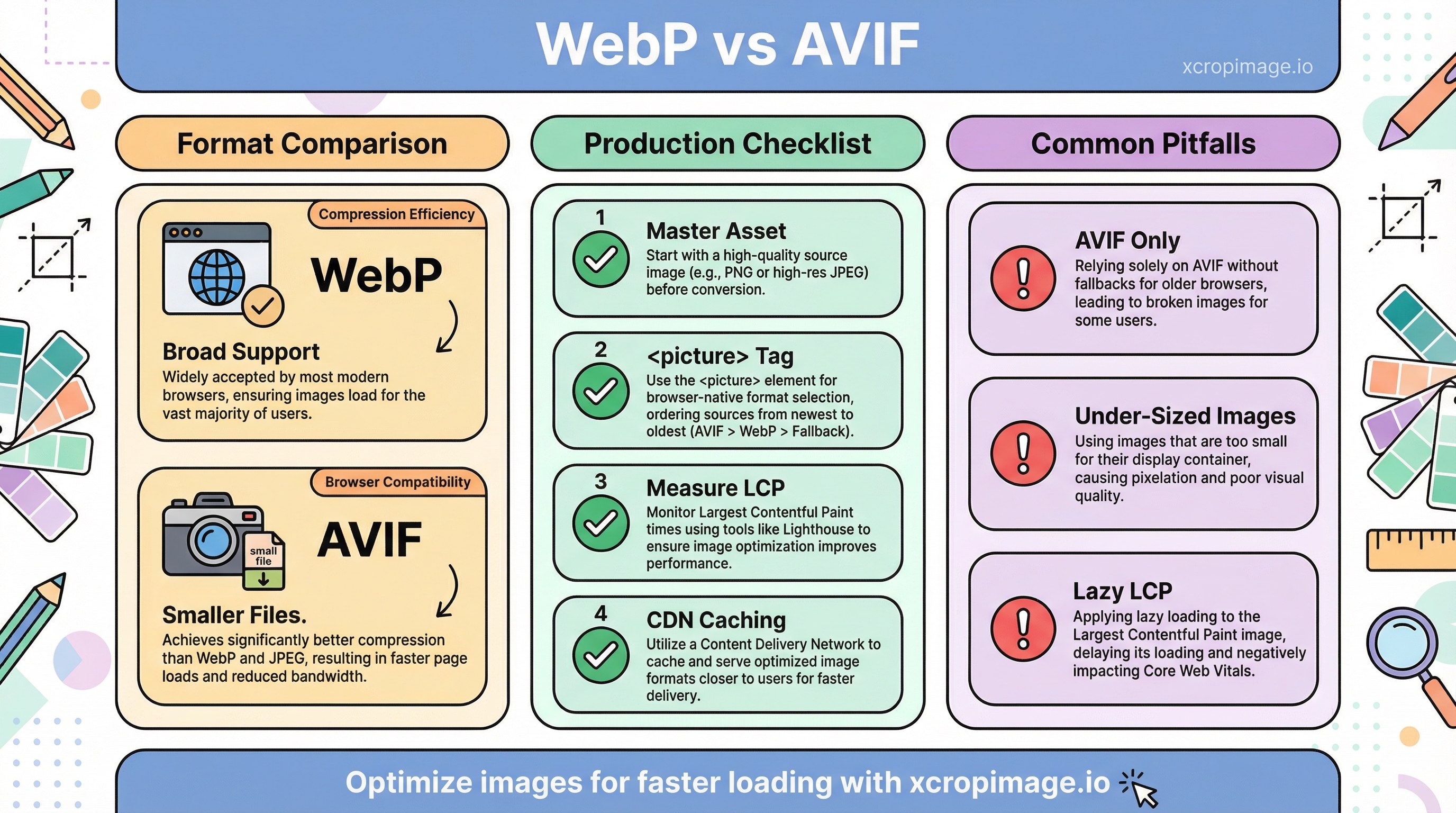
WebP vs AVIF for production: format choice and browser fallbacks.
**Related posts on this site:** [WebP advantages](/blog/webp-format-advantages), [PNG vs JPG vs WebP](/blog/png-vs-jpg-vs-webp-comparison), and [simple image tips for faster sites](/blog/simple-image-editing-tips-for-faster-loading-websites). Turkish readers can follow the parallel guide: [WebP ve AVIF yayın rehberi](/blog/webp-avif-yayin-tarayici-uyumlulugu).
## Quick comparison
* **WebP:** Broad support, lossy/lossless, easy CDN adoption.
* **AVIF:** Often smaller files; needs a fallback story for older clients.
Read [web.dev: Choose the right image format](https://web.dev/articles/choose-the-right-image-format) and [MDN image types](https://developer.mozilla.org/en-US/docs/Web/Media/Formats/Image_types). For a long-form take, see Smashing Magazine on [modern image formats (AVIF, WebP)](https://www.smashingmagazine.com/2021/09/modern-image-formats-avif-webp/).
## When to prefer which format
| Scenario | Guidance |
|----------|----------|
| Hero / LCP image | Resize or crop to the correct display dimensions first; then ship AVIF/WebP with a JPEG/PNG fallback |
| Transparent assets (logos) | Try lossless WebP or AVIF; compare edge halos against the PNG master |
| Legacy browser share | Lead with WebP, or serve AVIF only when your CDN detects support |
| CMS outputs JPEG only | Tune JPEG quality (often 75–85); plan a later `` upgrade |
## Production checklist
1. Keep a **master asset**; derive web variants in a structured folder with predictable names.
2. Use **``** with **AVIF → WebP → JPEG/PNG** (order matters: first supported type wins).
3. Measure **LCP** and visual quality; see [Web Vitals](https://web.dev/articles/vitals). Combine lab tests with real-user data when possible.
4. After URL or filename changes, account for **CDN caching** so users do not see stale images ([CDN stale images](/blog/cdn-cache-stale-images-after-update)).
## SEO notes
Crawlers benefit from fast loads and clear **alt text** and **file names**. Follow [Google Search image best practices](https://developers.google.com/search/docs/appearance/google-images). Format choice does not replace semantic HTML or descriptive filenames.
## Common pitfalls
* Shipping **only AVIF** without a universal fallback.
* Optimizing file size but serving **under-sized** bitmaps for high-DPI screens (blurry heroes).
* Applying **`loading="lazy"`** to the LCP candidate; use eager loading and `fetchpriority` where appropriate for the largest above-the-fold image.
## Conclusion
Pair AVIF/WebP with reliable fallbacks. Use our [crop](/crop), [resize](/resizer), and [convert](/convert) tools to ship optimized variants quickly, and re-verify after template or CDN changes.