
Photo Resizing for Collection Pages: Keep the Grid Consistent
How to resize and crop product photos so collection page grids stay aligned, clean, and consistent—without breaking layouts.
Introduction
Collection pages are where customers browse many products at once. If photo sizes or crop styles vary too much, the grid looks uneven and the page feels less polished.
Use this checklist to keep your collection grid consistent. You can rely on crop and resizer on xcropimage.io to standardize framing and output dimensions.
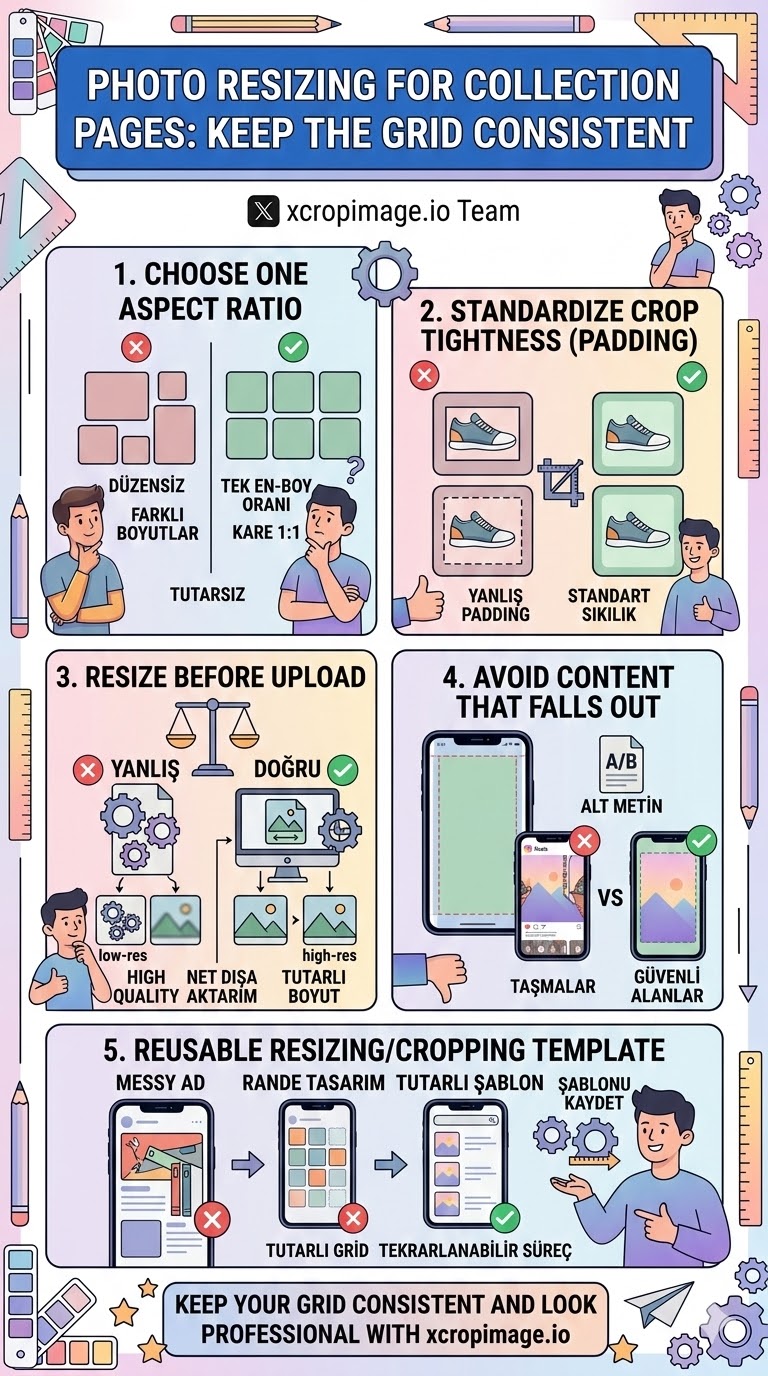
1. Choose one aspect ratio for the grid
Pick a ratio that fits your layout style (often square 1:1 or a consistent portrait feel).
Apply the same aspect ratio across all products so thumbnails don’t fight each other.
2. Standardize crop tightness (padding)
If one photo has tight padding and another has lots of space around the product, the grid becomes “jumpy.”
Use consistent framing tightness: same distance from edges to the product in every image.
3. Resize before upload to the collection page

Browsers and templates may scale images automatically, sometimes causing uneven rendering.
Export images at the exact size (or dimensions close to it) using the resizer.
4. Avoid content that falls out of the thumbnail
For grid views, small details at the edges can disappear.
Keep important elements (product body, logo, key features) away from the thumbnail edges.
5. Build a reusable resizing/cropping template
Once you find a grid look that works, reuse it for all collections.
Save your workflow and apply the same crop and resize tools so every new product joins the grid cleanly.
Conclusion
A consistent collection grid comes from five checks: one aspect ratio, standardized crop tightness, resizing before upload, keeping key elements inside thumbnail safe areas, and using a repeatable crop/resizer template. Use the crop and resize tools on xcropimage.io to keep your categories looking sharp and aligned.