
Product Photo Color Consistency: What to Check in the Same Product Series
A practical checklist to keep colors consistent across the same product series: lighting, white balance, background tone, editing limits, and standardized exports.
Introduction
The fastest way a store feels “off” is inconsistency. When colors drift across the same product line, whites don’t match, or each photo feels like it came from a different shoot, customers start questioning quality.
This guide helps you protect color consistency in product photos. You can standardize framing and output using the crop tool and resizer on xcropimage.io.
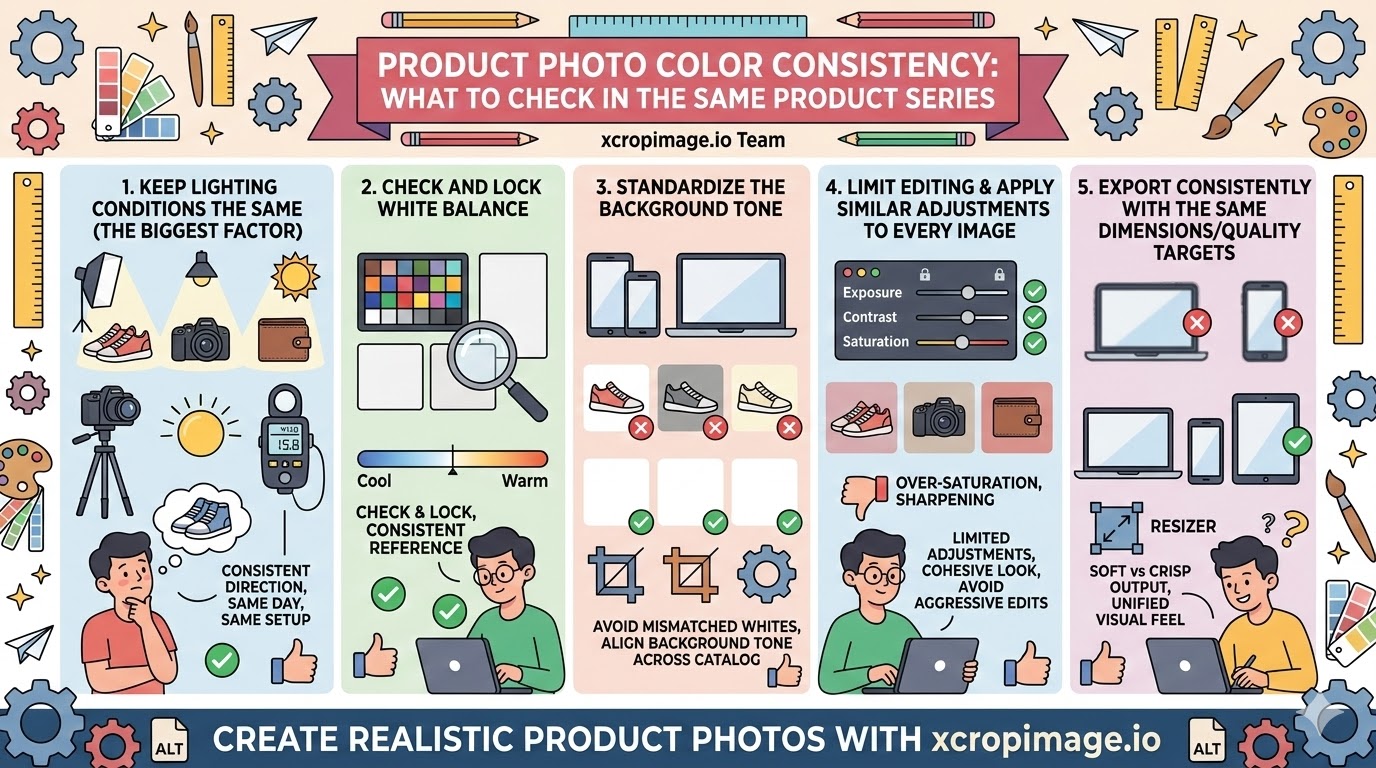
1. Keep lighting conditions the same (the biggest factor)
Color consistency is often broken by the shoot environment: light direction, intensity, and color temperature.
Whenever possible, shoot the whole series on the same day with the same lighting setup.
2. Check and lock white balance
If white balance drifts, even a “white background” can become grayish or slightly warm/cool depending on the shoot.
Before exporting, use a consistent reference for white balance across the series.
3. Standardize the background tone
If one image looks pure white while another looks slightly cream or gray, colors across the catalog can appear different—despite the product being the same.

Crop using the same framing style and keep background tone aligned by exporting consistently with the resizer.
4. Limit editing and apply similar adjustments to every image
Using a different filter or making large “one-off” edits on each photo breaks the series.
Aim for restrained, similar adjustments so the final look feels cohesive.
Be careful with over-saturation and overly aggressive sharpening.
5. Export consistently with the same dimensions/quality targets
Even if editing is close, different export settings can make colors look different once uploaded.
Use the resizer to standardize dimensions and keep your catalog’s visual feel stable.
Conclusion
Color consistency is built with five checks: consistent lighting, monitored white balance, standardized background tone, controlled editing, and consistent exports. Use the crop and resize tools on xcropimage.io to keep your product series visually unified and more trustworthy.