
YouTube Thumbnail Images: Increase Click-Through Rate
A practical checklist to create YouTube thumbnail images that look clear, readable at small sizes, and consistent with your brand.
Introduction
Your YouTube thumbnail is often the difference between a viewer clicking or scrolling past. A strong thumbnail communicates what the video is about in seconds—and it must work even when seen as a small preview.
This guide shares five checks to improve thumbnail clarity and engagement. You can crop and resize your thumbnails using the crop tool and resizer on xcropimage.io.
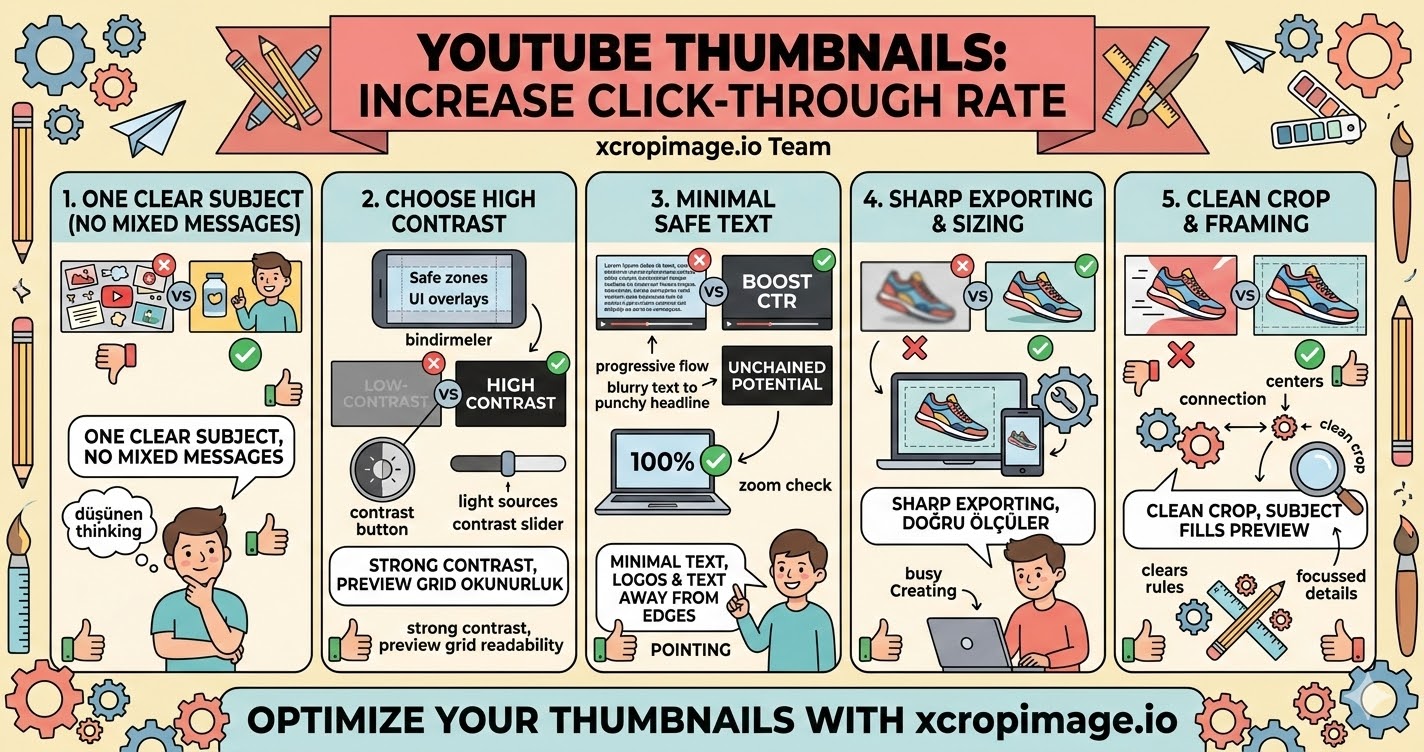
1. Make one clear subject (no mixed messages)
Thumbnails should have one primary focus: a product, a face, a key object, or a single main idea.
If your thumbnail tries to tell multiple things at once, it becomes harder to read and click.
2. Choose high contrast for readability
When a thumbnail is small, contrast is what keeps details visible. Use a color combination that separates the subject from the background.
Avoid low-contrast gray-on-gray layouts—those disappear in the preview grid.
3. Keep text minimal and placed in safe areas
If you include text, use short phrases (or just a few words). Place them where they will remain visible across different screen sizes.
For best results, keep important text and logos away from the edges.
4. Ensure sharpness with correct exporting and sizing
Blurry thumbnails feel low quality and reduce trust. Start with a high-resolution image and export at the correct dimensions for YouTube.
Use resizer to standardize output dimensions, so every thumbnail looks consistent.
5. Crop to a clean framing that supports the “click”
Before exporting, crop distractions out of the edges so the thumbnail looks intentional.
A clean crop makes your subject fill the preview more and improves perceived quality.
Conclusion
Better YouTube thumbnails are built through five basics: one clear subject, strong contrast, minimal safe text, sharp exporting, and clean edge cropping. Use the crop and resize tools on xcropimage.io to prepare thumbnails quickly and keep your branding consistent across uploads.