
Digital asset management (DAM) fundamentals for consistent teams
What DAM is, how metadata and approvals work, and how teams reuse images without chaos.
Introduction
DAM centralizes brand images with metadata so email, web, and retail teams can find the approved file. Without it, folders drift, filenames collide, and wrong assets ship—especially under campaign pressure. This article covers building blocks, when to graduate from shared drives, and alignment with brand rules.
Earlier in this series: Batch ecommerce workflow · Print guide · LinkedIn covers.
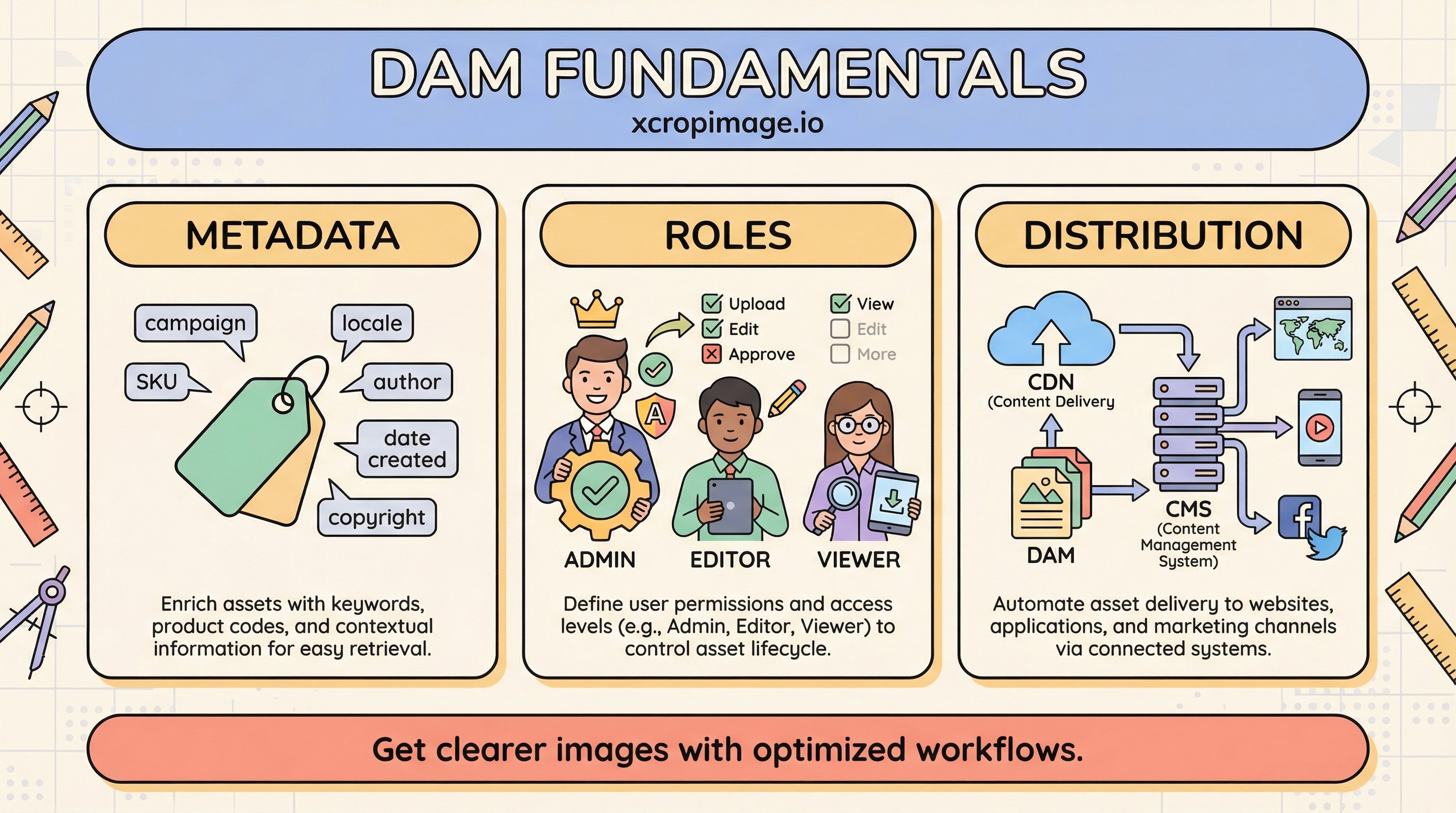
DAM building blocks
- Metadata: tags, campaign, SKU, locale, channel (web, email, retail, paid social).
- Roles: who uploads, who approves, who can publish externally.
- Distribution: stable links into CDN/CMS or export packages for agencies.
Vendor blogs (for example Canto, Bynder) publish workflow stories; Gartner’s DAM glossary frames the category for enterprise buyers.
DAM versus shared folders
| Shared drive | DAM |
|---|---|
| Cheap, fast to start | Search + permissions + audit trail |
| “Latest” ambiguous | Approvals and version history clearer |

Start with disciplined folders and naming from batch workflow; add DAM when search time, compliance, or headcount makes the cost worthwhile.
Brand alignment
Approved assets should match visual usage for brand identity. For web delivery, pair DAM masters with optimized derivatives—see WebP vs AVIF.
Turkish parallel
DAM temelleri (Türkçe) aynı çerçeveyi Türkçe anlatır.
Conclusion
DAM is not “a nicer Dropbox”—it is search + governance + distribution. Grow into it when your team outgrows filename conventions alone.