
Image sitemaps for SEO: practical steps to improve discovery
List image URLs in sitemaps, follow Google’s schema, and pair with fast pages and good alt text.
Introduction
Image sitemaps help search engines discover image URLs—especially on large catalogs, JavaScript-heavy pages, or when images are not well linked from HTML. A sitemap does not replace quality content, alt text, or fast delivery; it is a crawl hint layered on top of a solid page experience.
Earlier in this series: RAW vs JPEG · WebP vs AVIF · Alt text SEO.
Official guidance
Google’s image sitemaps documentation explains XML schema, optional fields, and limits. Keep sitemaps fresh: remove URLs that 404 and include canonical image locations when you have duplicates.
What to include
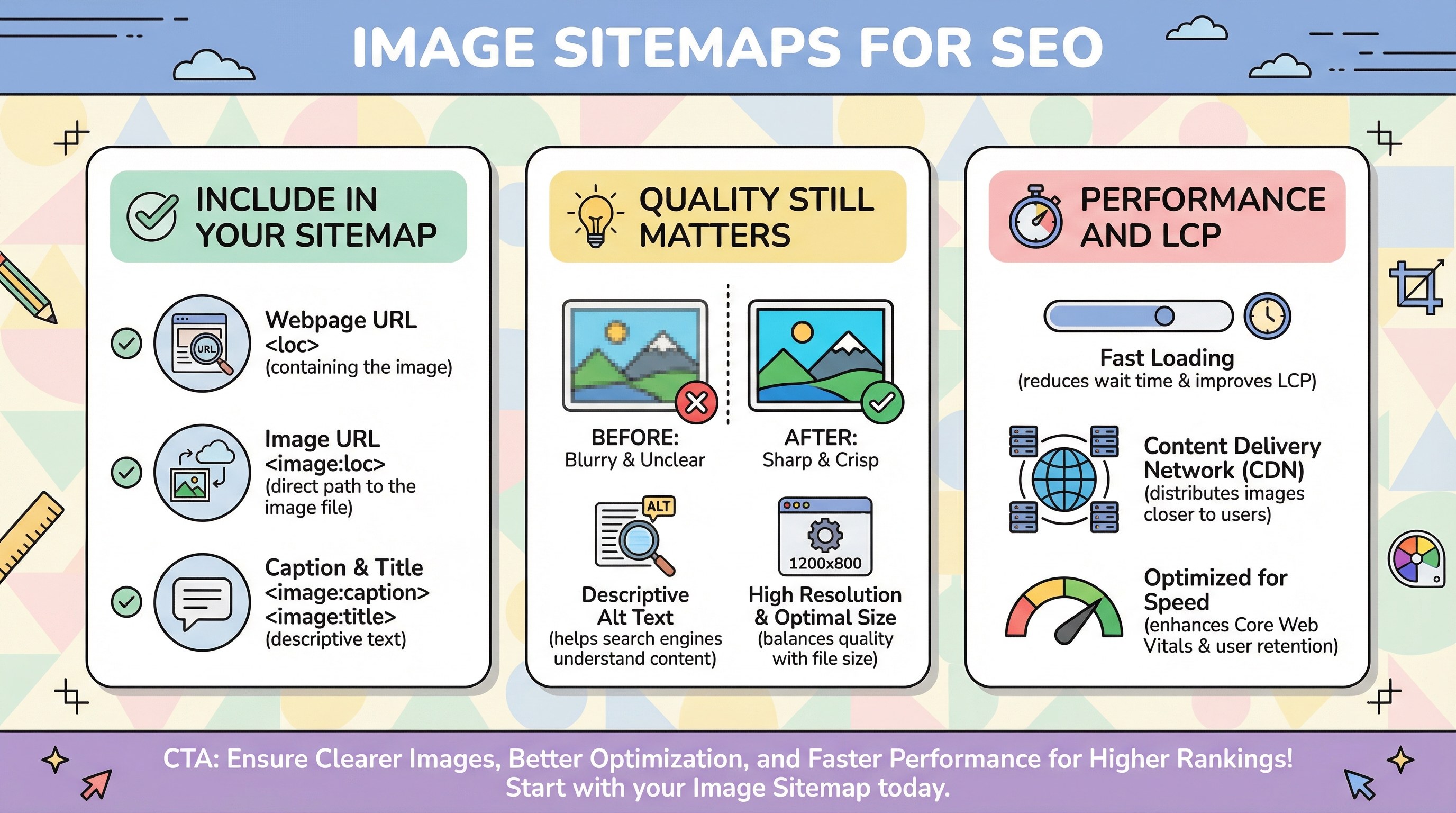
- Canonical page URL where the image appears.
- Image loc with absolute HTTPS URLs.
- Optional caption and title where they add real value—avoid duplicate boilerplate across thousands of SKUs.
Quality still matters

Sitemaps do not fix blurry thumbnails or keyword-stuffed alt text. Pair them with product photo resolution and meaningful alt text. Technical discovery without content quality rarely wins rankings.
Performance and LCP
Indexed images should load fast in context—see lazy loading and LCP. After deploys, CDN cache can affect what users (and tests) actually see.
Turkish parallel
Görsel site haritası (Türkçe) covers the same workflow.
Conclusion
Combine image sitemaps with fast pages, clear alt text, and stable URLs. Discovery is step one; relevance and experience decide visibility in Google Images.