
PWA and mobile apps: splash screens and scaling icon sets
How to size splash screens and maskable icons for PWAs, using the web app manifest and safe padding.
Introduction
Splash screens and app icons shape first impressions for PWAs and native shells. Mis-scaled PNGs look blurry or clip outside the safe zone.
Earlier in this series: Open Graph preview debugging · Newsletter hero images · WebP vs AVIF.
Manifest and icon sizes
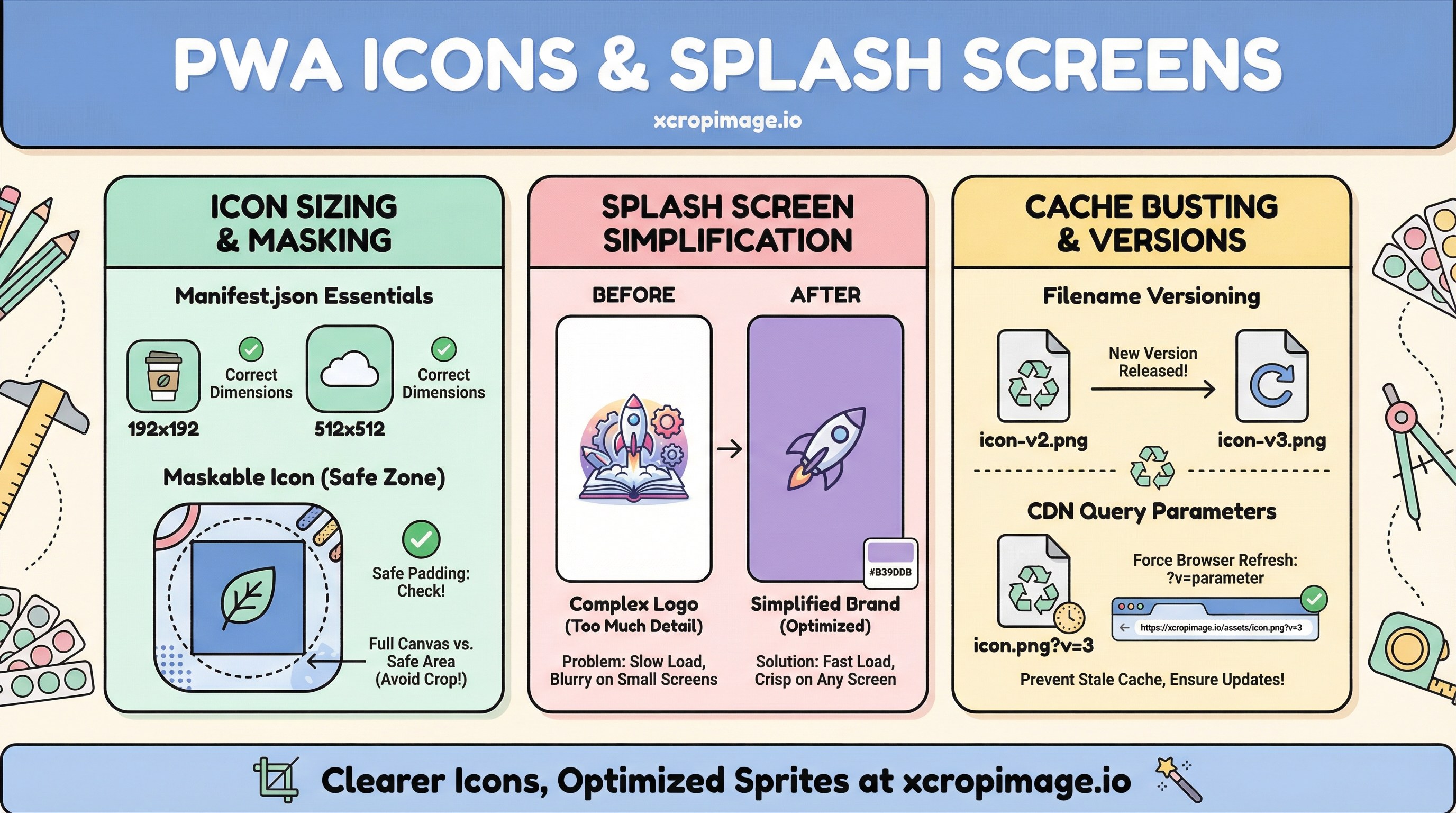
manifest.json icons typically need multiple sizes (e.g. 192×192, 512×512). For maskable icons, follow web.dev: maskable icons for safe padding. Use Google’s PWA checklist before launch.
Splash screens

Splashes often combine a background color with a centered logo. Some platforms generate them automatically. If your mark is detailed at small sizes, simplify the artwork for tiny sizes—a later post in this series covers favicons and touch icons in depth.
Cache busting
When you update icons, users may see stale caches—use versioned filenames (icon-v2.png) or query cache busting on CDNs. We expand the topic in CDN cache and stale images.
Conclusion
Keep a vector or high-res master; use resize for each size and crop to respect maskable safe areas.