
From video frames to thumbnails: timing and motion blur
xcropimage.io TeamMd Format
Pick sharp frames, export high-res stills, and crop to platform ratios without blur from motion.
Introduction
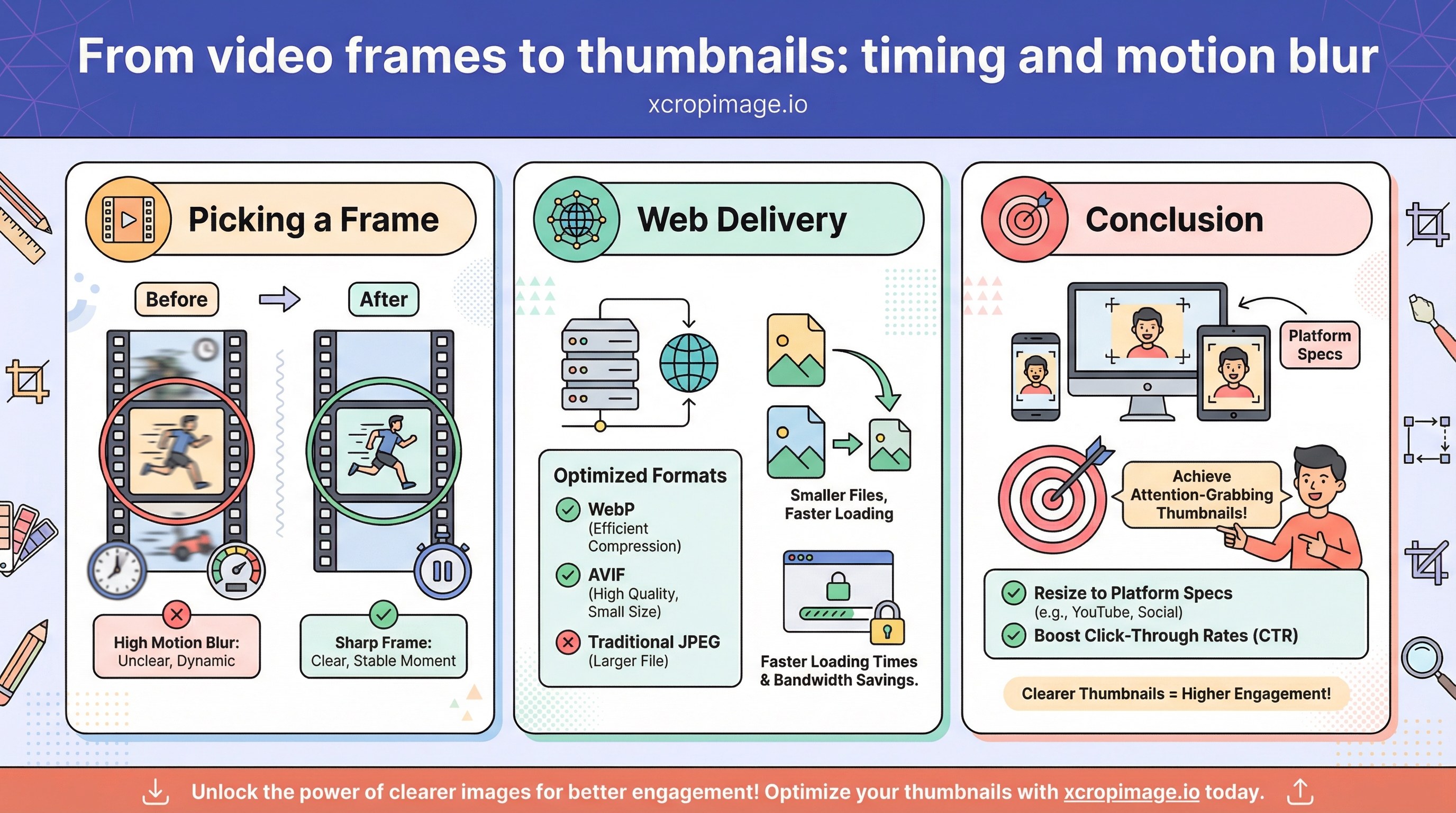
Thumbnails drive clicks on video platforms. Random frames from motion often look blurry.
Earlier in this series: Seasonal refresh · YouTube thumbnails · WebP vs AVIF.
Picking a frame
Choose a moment with stable composition; export a hi-res still, then crop to lock aspect ratio.

Web delivery
Follow WebP vs AVIF for web variants.
Conclusion
Resize to platform specs; see TikTok featured covers for short-form promos.