
WebP vs AVIF for production: format choice and browser fallbacks
How to choose WebP or AVIF, implement fallbacks, and balance SEO with Core Web Vitals.
Introduction
Choosing WebP, AVIF, or classic JPEG/PNG affects both Core Web Vitals and how crawlers experience your pages. AVIF often wins on bytes; WebP wins on compatibility. This article outlines a practical production strategy with fallbacks, quality trade-offs, and how to avoid common deployment mistakes.
Related posts on this site: WebP advantages, PNG vs JPG vs WebP, and simple image tips for faster sites. Turkish readers can follow the parallel guide: WebP ve AVIF yayın rehberi.
Quick comparison
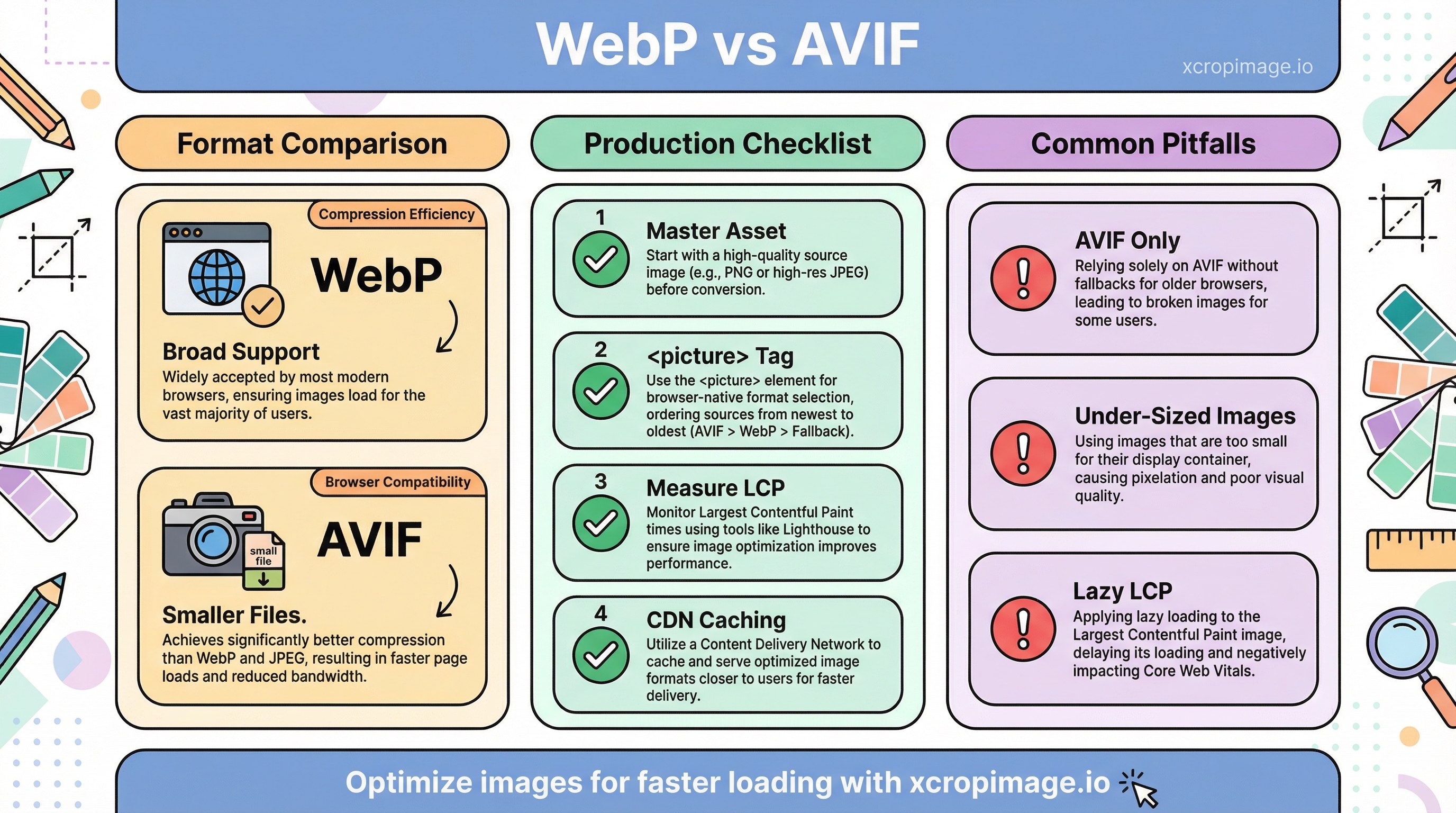
- WebP: Broad support, lossy/lossless, easy CDN adoption.
- AVIF: Often smaller files; needs a fallback story for older clients.
Read web.dev: Choose the right image format and MDN image types. For a long-form take, see Smashing Magazine on modern image formats (AVIF, WebP).
When to prefer which format
| Scenario | Guidance |
|---|---|
| Hero / LCP image | Resize or crop to the correct display dimensions first; then ship AVIF/WebP with a JPEG/PNG fallback |
| Transparent assets (logos) | Try lossless WebP or AVIF; compare edge halos against the PNG master |
| Legacy browser share | Lead with WebP, or serve AVIF only when your CDN detects support |
| CMS outputs JPEG only | Tune JPEG quality (often 75–85); plan a later <picture> upgrade |

Production checklist
- Keep a master asset; derive web variants in a structured folder with predictable names.
- Use
<picture>with AVIF → WebP → JPEG/PNG (order matters: first supported type wins). - Measure LCP and visual quality; see Web Vitals. Combine lab tests with real-user data when possible.
- After URL or filename changes, account for CDN caching so users do not see stale images (CDN stale images).
SEO notes
Crawlers benefit from fast loads and clear alt text and file names. Follow Google Search image best practices. Format choice does not replace semantic HTML or descriptive filenames.
Common pitfalls
- Shipping only AVIF without a universal fallback.
- Optimizing file size but serving under-sized bitmaps for high-DPI screens (blurry heroes).
- Applying
loading="lazy"to the LCP candidate; use eager loading andfetchprioritywhere appropriate for the largest above-the-fold image.
Conclusion
Pair AVIF/WebP with reliable fallbacks. Use our crop, resize, and convert tools to ship optimized variants quickly, and re-verify after template or CDN changes.