
Batch resize and compress: automation without trashing quality
Run folder-wide resize and compression with CLI tools, quality gates, and versioned deploys.
Introduction
Opening hundreds of files manually does not scale. Batch pipelines apply one rule set everywhere—encode your quality bar in the script so “who ran it” matters less than “what settings we agreed on.” This article covers tooling choices, how to avoid over-compression, and how deploy versioning interacts with CDNs.
Earlier in this series: Competitor audits · Batch ecommerce workflow · WebP vs AVIF.
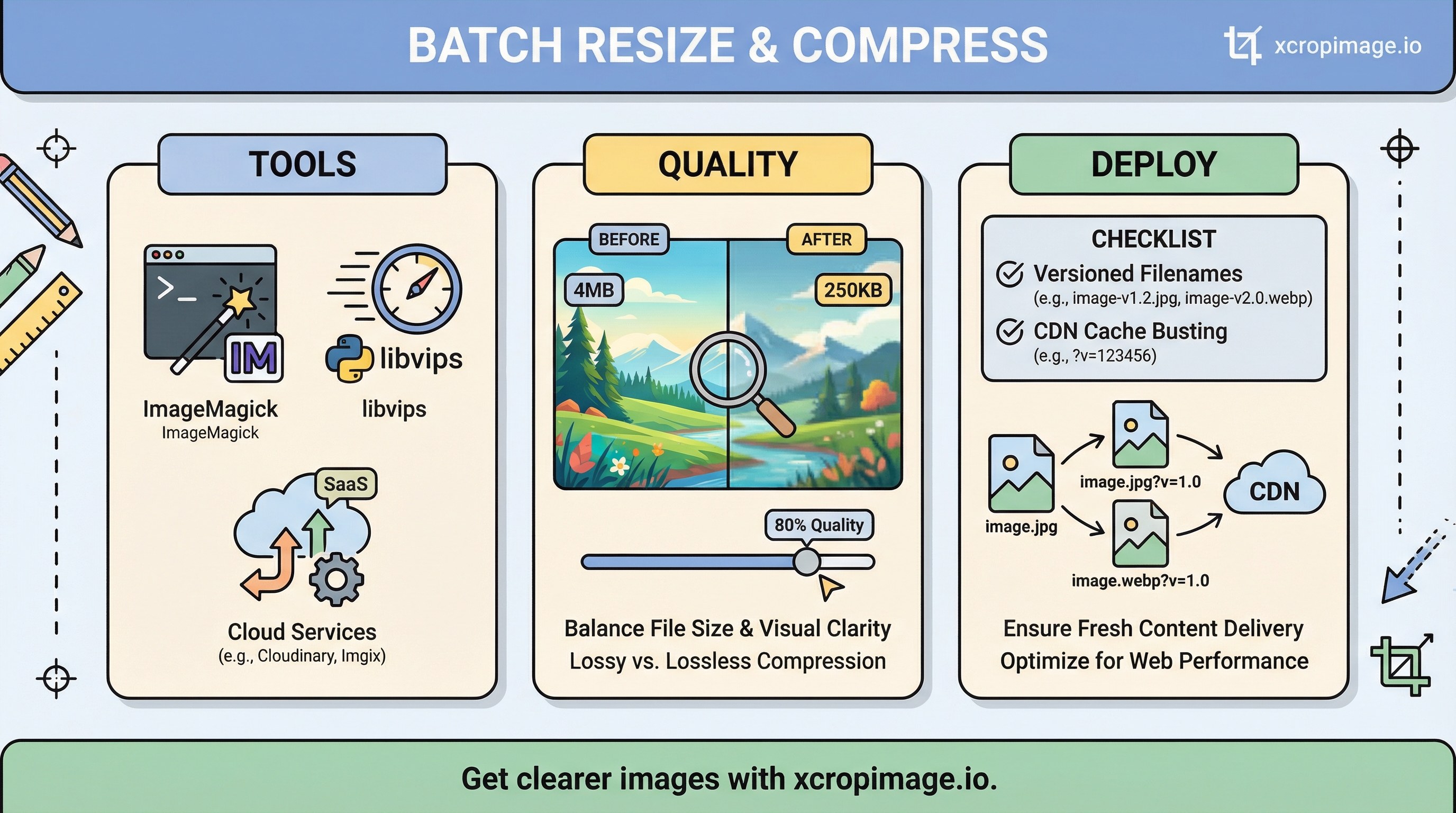
Pick a toolchain
- ImageMagick is a common starting point for CLI transforms; see the command-line processing docs.
- libvips can be faster on huge folders; many teams wrap either tool in npm, Python, or shell scripts.
- Cloud transcoding (CDN or object storage) helps when egress and CPU should stay off laptops—still define the same quality presets as code.
Whatever you choose, store presets in version control (not only in someone’s notes).
Quality gates: bytes versus blur
Balance file size against visible artifacts:

- Band posterization in skies and gradients after aggressive JPEG/WebP quality.
- Text edges on screenshots and UI captures—compression hits small type harder than photos.
Overshooting compression fights product resolution guidance: you can have small files and still look soft on high-DPI screens if you resize wrong or squeeze quality too far.
Deploy and cache busting
When filenames stay identical, browsers and CDNs may serve stale bytes after an update. Version filenames or use fingerprinted names in your build; see CDN stale images. Pair versioning with the folder discipline in ecommerce batch workflow.
Checklist before you run batch on production
- Dry run on a sample folder; spot-check at 100% zoom and on a phone.
- Preserve masters—never overwrite
_sourcewith web outputs. - Log settings (dimensions, quality, format) next to the output for auditability.
Conclusion
Automation should make quality predictable, not “smaller at any cost.” For one-off edits, use crop, resize, and convert on xcropimage.io. Turkish readers can follow the related workflow post: Toplu yeniden boyutlandırma ve sıkıştırma.