
Campaign visuals that break brand guidelines: exceptions and approvals
Handle co-branded or seasonal palettes with explicit approvals, end dates, and DAM tags.
Introduction
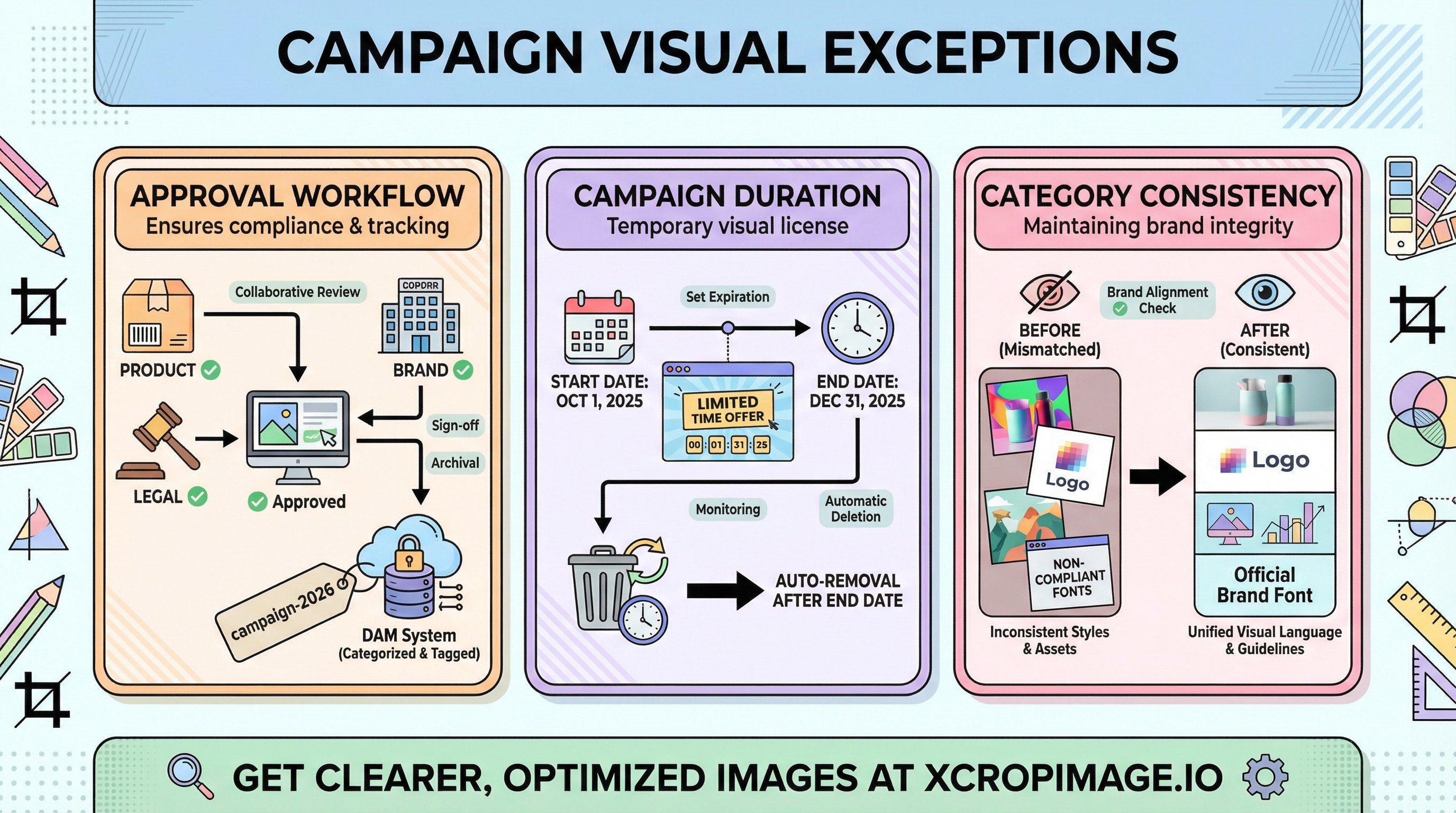
Some campaigns need off-palette colors, partner co-marks, or seasonal backgrounds. Treat these as controlled exceptions with approvals and sunset dates—otherwise they linger in category pages long after the promo ends and erode consistency. This article outlines a lightweight approval loop, DAM tagging, and how to return to baseline creative.
Earlier in this series: Batch automation · Competitor audits · Seasonal refresh.
Who approves what
Typical stakeholders:
- Brand — palette, typography, logo lockups, partner mark placement.
- Product / merchandising — SKU coverage, hero versus thumbnail usage.
- Legal — claims, disclaimers, third-party trademarks, regional rules.
Document the exception in writing (ticket or brief ID) so asset metadata can reference it months later.
DAM tags and sunset dates

Tag assets in DAM with a campaign slug (for example campaign-2026-spring) and an end date field. If your tool supports reminders, schedule a task to swap or archive assets when the promo closes.
For folder-only workflows, mirror the same idea: _archive/campaign-2026-spring/ and a spreadsheet row with owner and removal date.
After the campaign
Restore category consistency so suppliers and internal teams return to the default templates. The same discipline that powers WebP vs AVIF choices—versioned outputs and clear ownership—applies to short-lived campaign art.
Navigate the series
Open Graph debugging · Image sitemaps · Visual accessibility—internal links help crawlers discover related pages across the site.
Turkish parallel
For the same topic in Turkish, see Tekil kampanya görseli ve marka rehberi istisnası.